Smart File Organization
Move all PDF files from Downloads to Documents folder automatically
"Move all PDFs from Downloads to Documents"
Simply tell Whisker what you need, and it intelligently handles your tasks with precision and care.
Only $5/month • Cancel anytime • Free trial for early subscribers
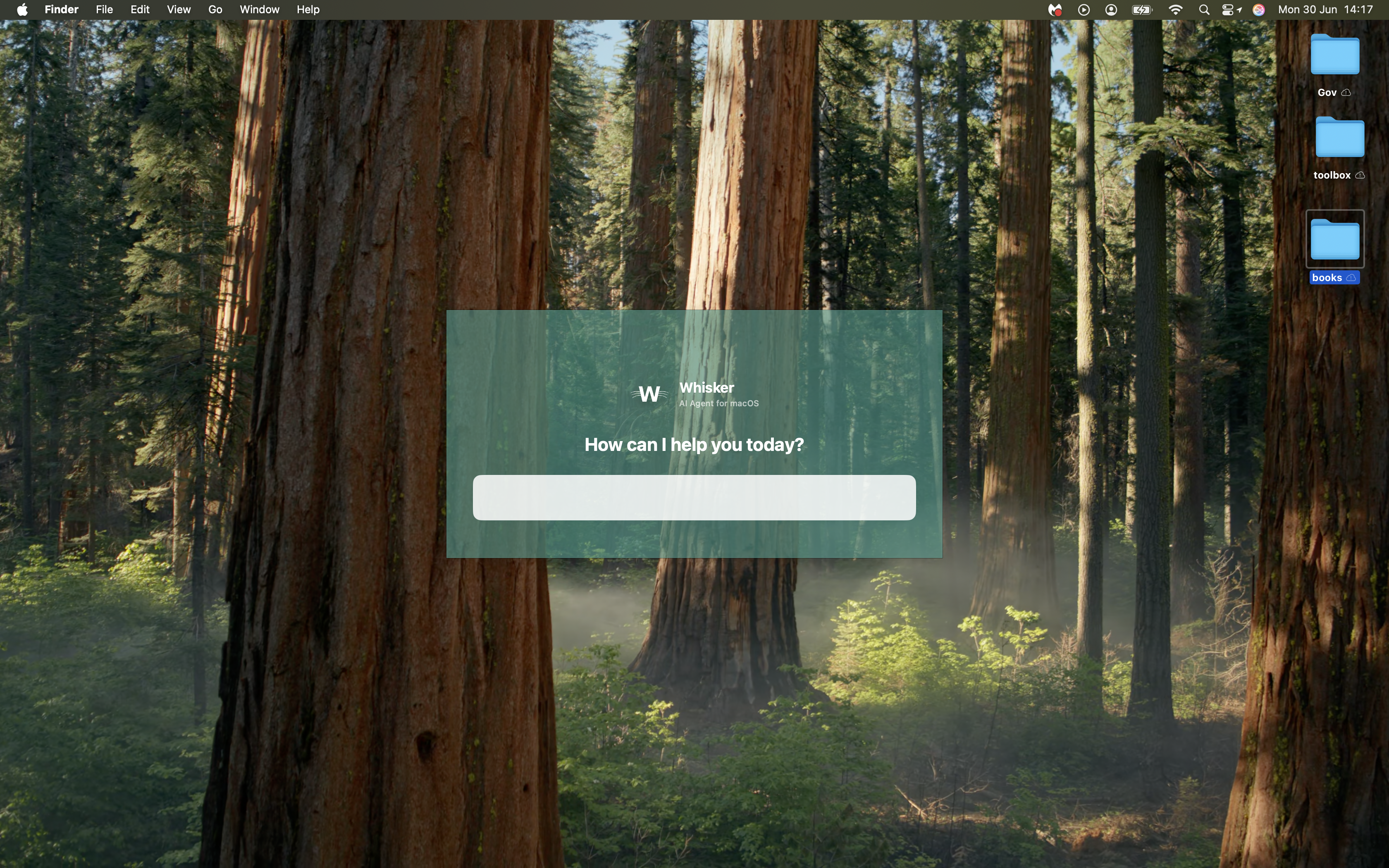
Press CMD + SHIFT + W to open Whisker, then describe what you want in simple English. Whisker executes it instantly.
Move all PDF files from Downloads to Documents folder automatically
"Move all PDFs from Downloads to Documents"
Research any topic and document with sources
"Research renewable energy trends and create a summary report"
Find large files taking up disk space and show their locations
"Find my largest files"
Compose and send personalized emails with natural language instructions
"Send a thank you email to Jane for the gift"
Arrange all open applications in a tiled layout for better productivity
"Organize my windows in tiles"
Configure multiple displays with specific arrangements and resolutions
"Set up my external monitors"
Watch how effortlessly Whisker processes commands and automates your tasks
Join our early subscribers and get free access to test Whisker.